Suppliers
Change your store URL
Ask Plastic Tajir to change your store's web address; old links keep working.
Last reviewed 9 November 2026
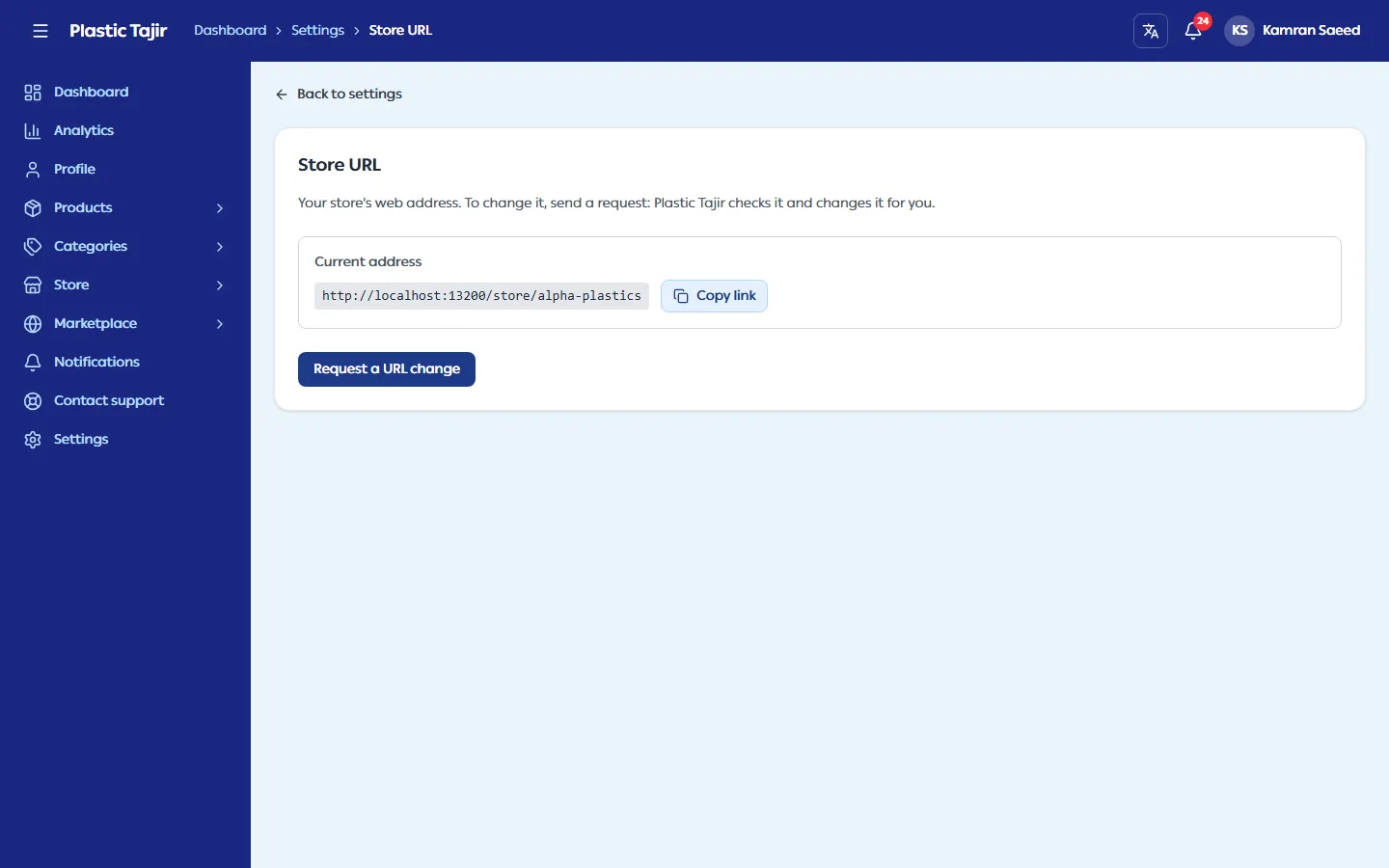
Your store's web address (for example plastictajir.com/store/alpha-plastics) is printed and shared, so it does not
change on its own. To change it, ask Plastic Tajir:
- Go to Settings → Store URL (or click Store URL on the store card on your dashboard).
- Click Request a URL change and type the address you want. You see straight away whether it is Available, or why not (for example "Another store uses this URL").
- Optionally say why, then click Send request. The request shows as Request waiting for review; you can Cancel request while it waits.
- You get a notification and an email when Plastic Tajir changes the URL, or a note if the request is not approved.
- Old links keep working: they take customers to your new address, and your customers stay signed in with their cart. After 30 days another store may take your old address.
- A store URL can change at most once every 30 days. Inside that time the page shows the date of the next possible change.
- While your store is suspended you can see your URL but cannot ask for a change.