Suppliers
Complete your business profile
Accurate business and contact details for your store, quotations and invoices.
Last reviewed 9 November 2026
Steps
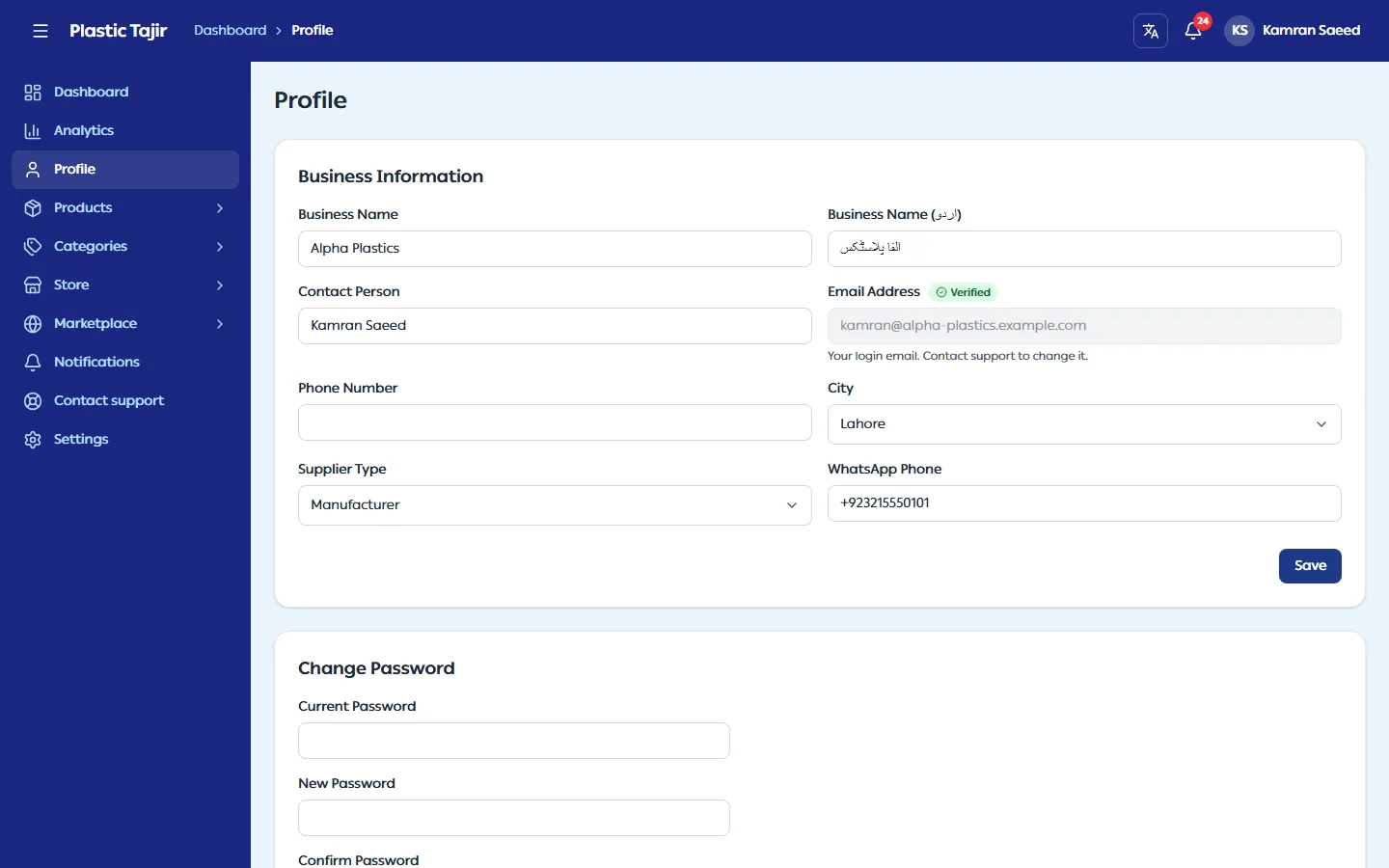
- Click Profile in the menu.
- Update Business Information (business name in English and Urdu, business type, business description, NTN / Tax ID) and Contact Information (contact person, phone, city, address).
- Click Update Profile. You see "Profile updated successfully".
Good to know
- Your email is how you login. It cannot be changed here; contact support if it changes.
- To change your password, go to Settings → Password Update.
Verify your WhatsApp number
Your WhatsApp Phone shows Not verified until you verify it.
- Click Verify WhatsApp under the number.
- Click Send code via WhatsApp and enter the 6-digit code you receive on WhatsApp.
- The number now shows Verified.
WhatsApp verification may be switched off by Plastic Tajir. Then you do not see Verify WhatsApp or Not verified, and nobody asks you to verify your number.
While the number is not verified you can change it: type the new number, click Save, then verify it. A verified number cannot be changed here; contact support, and Plastic Tajir can change it for you.