Suppliers
Register your supplier account and login
An approved account, your own store, and a first look around the dashboard.
Last reviewed 9 November 2026
Before you start
- An email address you can open — you login with it.
- A Pakistani mobile number with WhatsApp, typed as
03XXXXXXXXX(11 digits). - Your business name in English (Urdu is optional but encouraged), the contact person's name and your city.
Steps
-
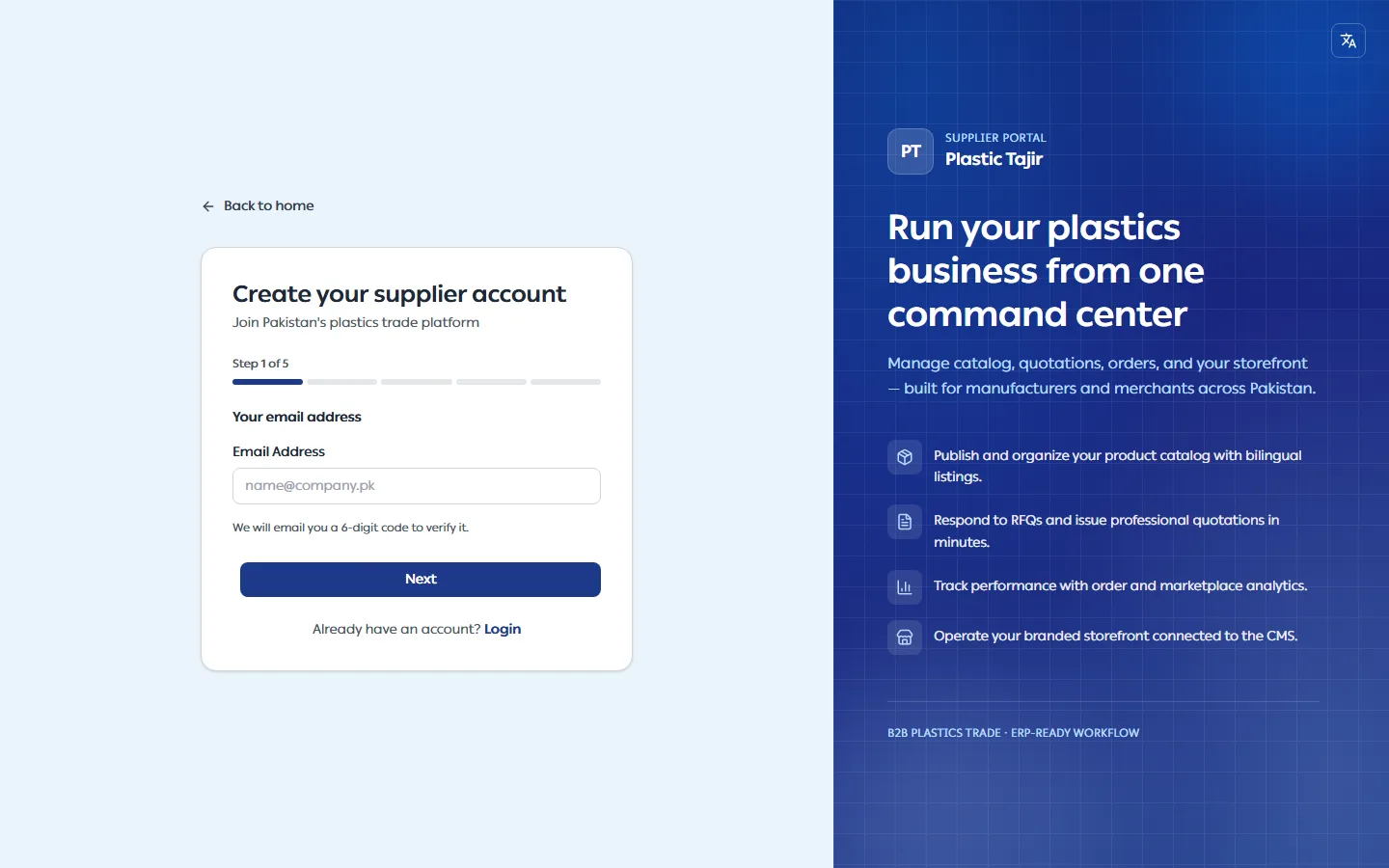
Open the Plastic Tajir CMS and click Register.
-
Your email address — enter it and click Next. We email you a 6-digit code.
-
Enter the code we emailed you — type the 6 digits and click Verify. No email? Check your spam folder, then click Resend code (it becomes available after a minute).
-
Fill in the three sections and click Register:
Section What to enter Business Information Business Name (English), Business Name (Urdu, optional), Supplier Type (Manufacturer or Merchant) Contact Information Contact Person Name, WhatsApp number (required — you can verify it later from your profile), City (not listed? choose Other and type it in City name) — add an extra phone number later from your profile Security Password (at least 8 characters) and Confirm Password — click the eye icon to see what you typed -
You are taken to the login page. Login with your email and password.
What happens next
- Your account is pending until a Plastic Tajir moderator or admin approves it. Until then the dashboard shows "Your account is awaiting approval…". Add Product and Store Theme show Available after approval until then, so you don't fill in a form that cannot be saved yet.
- When you are approved, you get an email and a notification in the CMS, and your store is created
automatically with its own web address (
/store/<your-store-name>). The Your Store card on the dashboard shows the address, with View Store and Copy URL buttons. Share this link with your customers.
Find your way around
| Menu | What it is for |
|---|---|
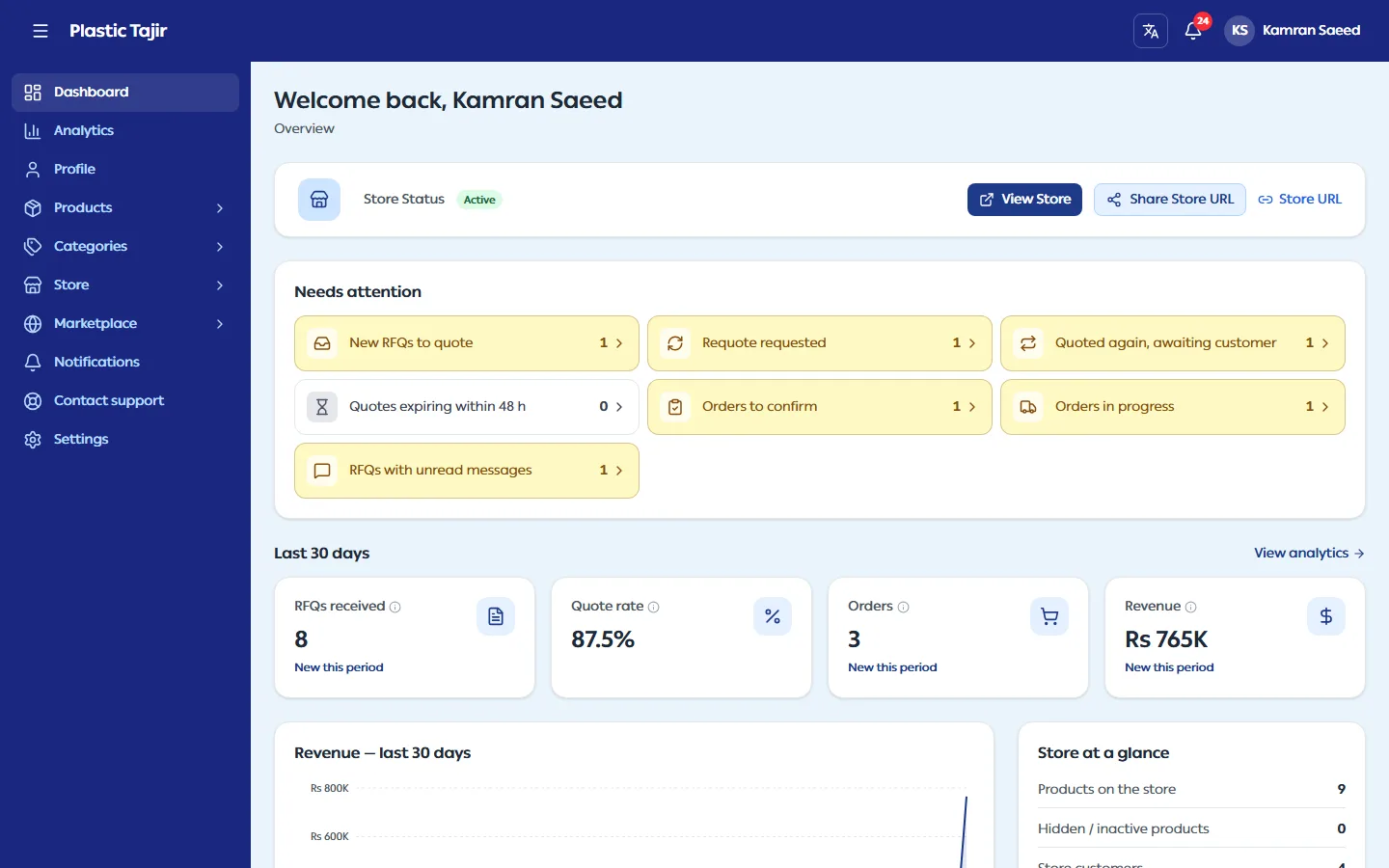
| Dashboard | What needs your attention, the last 30 days and your store card — see read your dashboard and analytics. |
| Analytics | Live numbers for any period, charts and CSV export. |
| Profile | Your business details — see complete your profile. |
| Products → My Products, Create Product | Your catalogue — see add and manage products. |
| Categories → Browse Categories, My Category Requests | See request a new category. |
| Store → RFQs, Orders, Invoices, Customers | Requests and orders from your store customers. |
| Marketplace → Activation Status | The shared marketplace is not open yet; its pages show Coming soon. |
| Notifications, Settings | Alerts, language, password and your Store Theme. |
Switch between English and Urdu at any time with the language button at the top of the screen.
Troubleshooting
| Problem | What to do |
|---|---|
| "This email is already registered. Login instead." | Use Login, or Forgot Password? if you do not remember the password. |
| The code email does not arrive | Check spam, wait a minute and click Resend code. A code works for 10 minutes and 5 tries. |
| "Enter a valid 11-digit mobile number starting with 03." | Type the WhatsApp number as 03001234567 (no +92, no spaces). |
| Still "awaiting approval" after a working day | Contact Plastic Tajir support. |
| A red Your store is suspended banner | Plastic Tajir suspended your store; the banner shows the reason and a note. Customers can't see your store or send RFQs, and you can't change anything, but you can still sign in, read and Export CSV your orders, invoices and customers, and contact support. |
| "This store has been closed." when you sign in | The store was closed by Plastic Tajir. Nothing was deleted; contact support. |
| Forgot your password | On the login page click Forgot Password?, enter your email and the code we send, then choose a new password. |