Store customers
Send a message to a store
Ask the supplier a question (custom products, bulk orders, delivery) and get a reply by email or WhatsApp.
Last reviewed 9 November 2026
Steps
-
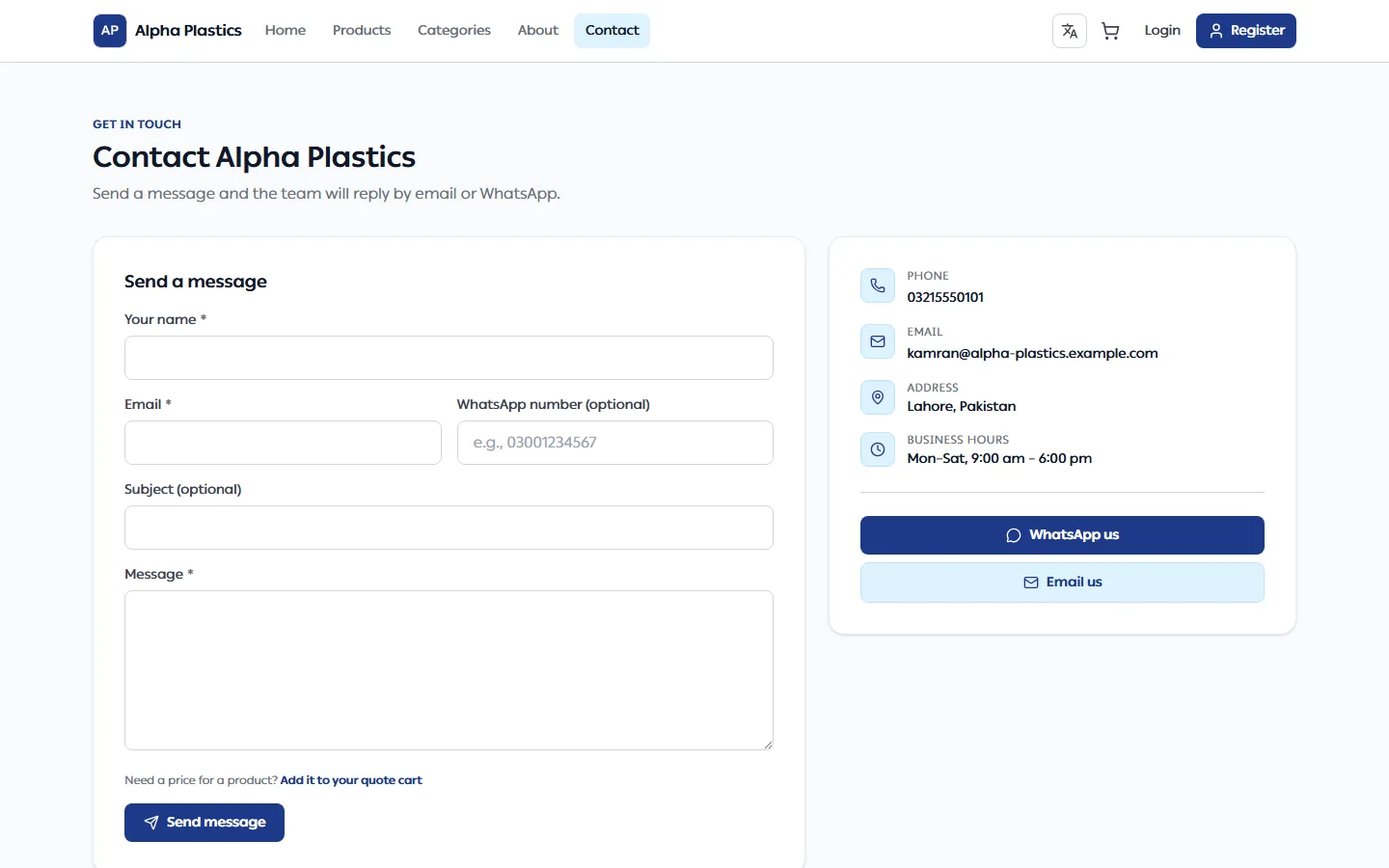
Click Contact in the store's menu, or Send us a message under the store's contact details.
-
Fill in:
Field What to enter Your name Required Email Required, so the supplier can reply WhatsApp number Optional Subject Optional Message At least 10 characters -
Click Send message. You see "Message sent". Send another message opens an empty form.
If you are signed in to the store, your name, email and WhatsApp number are filled in for you.
What happens next
- The supplier replies to your email, or on WhatsApp if you gave a number.
- To get a price for a product, add it to your cart and request a quote instead — see Find products and request a quote.
Troubleshooting
| Problem | What to do |
|---|---|
| "Too many messages" | Wait a few minutes and try again. |